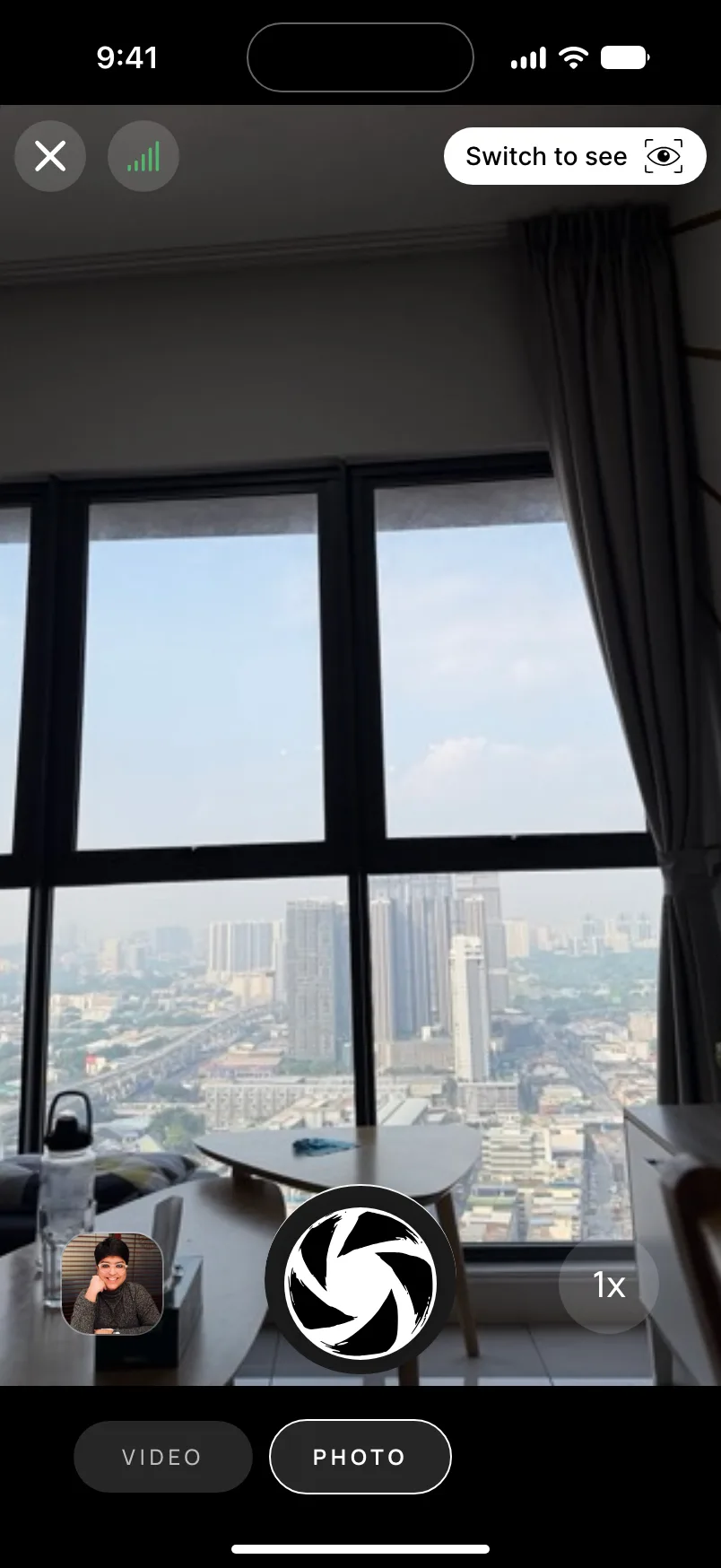
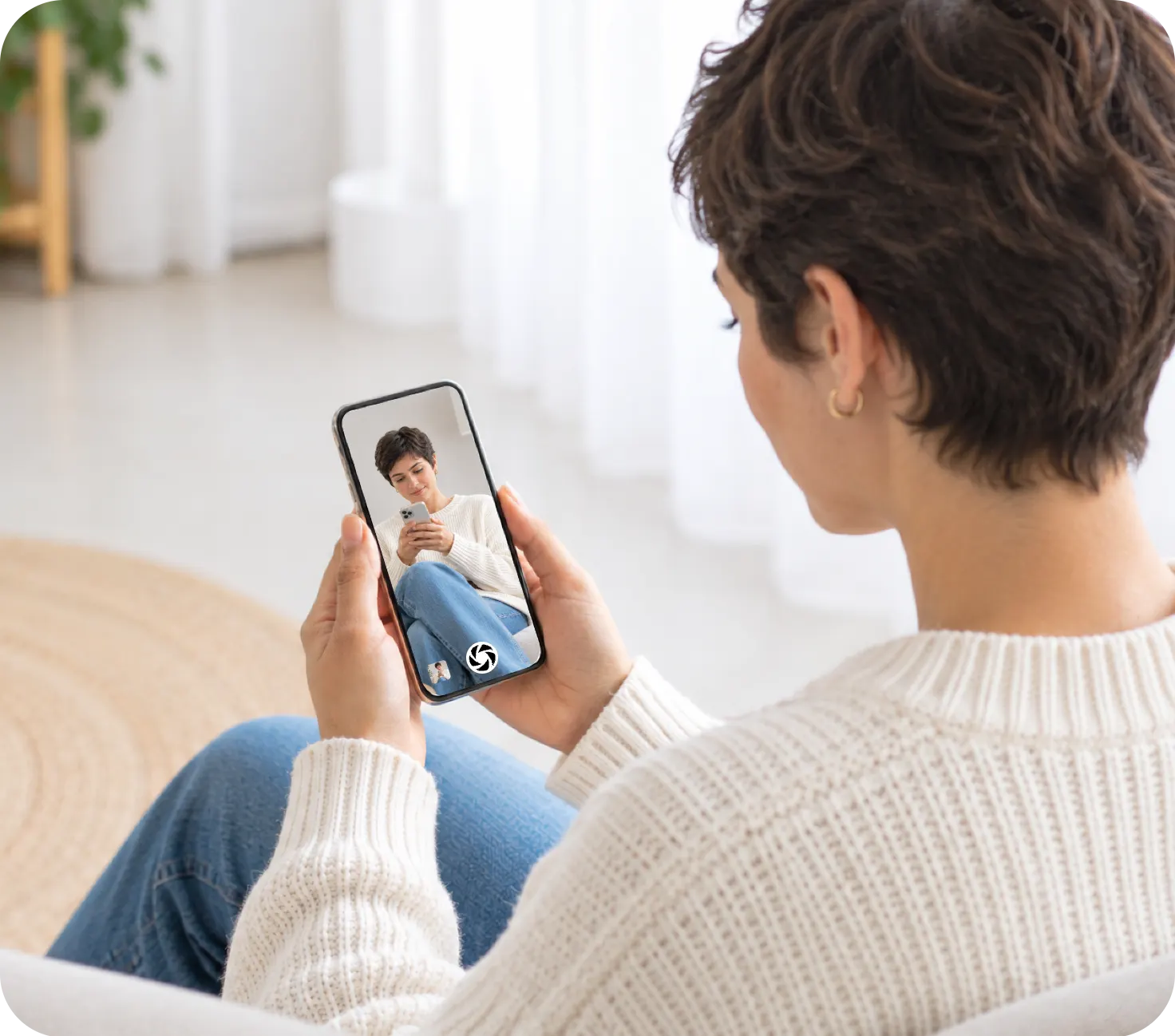
Futari is an iPhone to iPhone camera app that saves every shot on both phones as it is taken, so there is nothing to AirDrop afterwards. One iPhone shoots, the other shows the live frame and fires the shutter, and each phone puts the photo or video in an album called "Futari" in its own Photos library.
It only moves what you shoot inside Futari, between two iPhones on the same Wi-Fi. If you want to send photos you already have, AirDrop is still the tool, and the next section shows it.
Why not just AirDrop the photos afterwards?
AirDrop works well for photos that already exist, but it is a separate job someone has to remember after the shoot. Apple's steps: open Photos, tap Select, pick the photos, tap Share, tap AirDrop, tap the person's name, and the other person taps Accept. Both phones need Wi-Fi and Bluetooth on, and Personal Hotspot off.
That is fine once. On a trip it turns into "can you send me those?" at the end of every day. Futari folds the copy into the shutter press, so the See phone has each shot as soon as its transfer finishes.
How does Futari put every shot on both phones?
The Shoot phone saves each photo to its own Futari album and sends the same bytes to the See phone, which saves them to its Futari album. The See phone gets the full-resolution file the camera produced, the one the Shoot phone kept, rather than a frame grabbed from the live preview. On an iPhone 17 Pro that file measured 4224 x 2376 pixels, the largest 16:9 still the camera offers.
Saving and sending run independently of each other, so a failed save on the Shoot phone doesn't hold back the copy to the See phone. If a phone has no Photos access, Futari warns "Photos aren't being saved — allow Photos access".
Videos cross once recording stops. The Shoot phone saves the finished movie file, then sends it to the See phone in pieces of 256 KB, and the See phone saves it to its own Futari album.
Media goes straight from one phone to the other with no server in between. The app does send anonymous usage events to PostHog, with no photos, videos or personal data in them.
What happens to a video if the connection drops?
The transfer picks up where it stopped. The Shoot phone asks for the next 256 KB piece only after the link confirms the last one, so a drop costs at most the piece in flight, and the next connection resumes from the last confirmed byte. The See phone ignores a piece it already has, so a repeat after a reconnect can't corrupt the file.
The queue of unsent photos and videos lives on disk on the Shoot phone, so quitting and reopening the app counts as one more reconnect rather than a loss. A photo in the queue is resent whole. A recording also keeps running when the link drops, until someone stops it.
Two phones that have paired before reconnect with no taps on either phone, and the queue starts sending as soon as they do.
Where do the shots end up on each phone?
Each phone keeps its shots in an album named "Futari" in its own Photos library, and that album is the only record. Apart from shots still waiting to send, Futari keeps no copy of its own. Each save adds the file to the library and to the album in one change, so a shot is never in the library without being in the album. Delete the album and the next save creates a new one.
Tap the last-shot thumbnail on either phone to open the shot viewer. It pages through the Futari album newest first without leaving the app, and has Open in Photos and Delete buttons. Opening Photos sends Futari to the background, and that ends the pair on both phones, so browse in the viewer while you are still shooting.
The Shoot phone asks for Photos access when you pick Shoot, and the See phone asks at the first shot it saves. If you answer Limited, you still see every Futari shot, because photos an app adds are part of its limited selection.
What doesn't Futari share?
Futari has clear limits, and some other apps cover cases it doesn't:
- Only shots taken in Futari. Photos already in your library don't travel. Use AirDrop for those.
- One direction at a time. Shots go from the Shoot phone to the See phone. To shoot from the other phone, tap "Switch to see" or "Switch to shoot", which swaps both phones.
- Deletes stay local. No message between the two phones carries a delete, and the See phone's only commands are shutter, zoom, and focus and exposure. Deleting a shot on one phone leaves the other phone's copy alone.
- Same Wi-Fi, iOS 26, iPhone only. Both phones join one Wi-Fi network, both run iOS 26 or later, and there is no iPad or Android version. Futari has not been tested without a shared Wi-Fi network.
- Photo and video only. No timer, burst, filters, portrait mode or front camera.
- Other apps save on both phones too. Camera Remote Control App and SayCheese both list saving on both devices, and SayCheese also pairs an iPhone with an Android phone, which Futari can't.
At least one of the two phones needs a Futari subscription, and it covers both phones for that session. Plans are on the pricing section.
How do you set up two iPhones so shots save on both?
Both phones need Futari and one shared Wi-Fi network, then it takes one pairing:
- Put both iPhones on the same Wi-Fi.
- Open Futari on both phones.
- On one phone, tap the other phone when it appears. The other phone shows "wants to connect"; tap Accept.
- Pick a role. One tap puts this phone on See or Shoot and the other phone on the opposite role.
- Allow Camera and Photos on the Shoot phone when it asks, then take the first shot and allow Photos on the See phone. The permissions guide explains each prompt.
- Tap the last-shot thumbnail on either phone. The shot is in the Futari album on both.
More about the app is at coduo.co/futari.
Frequently asked questions
Is there an app that saves photos on both iPhones automatically?
Yes. Futari saves every photo and video you take in it on both iPhones, in an album called "Futari" in each phone's Photos library. Camera Remote Control App and SayCheese list saving on both devices too.
Does Futari send the full-quality photo or a copy of the preview?
The full-quality photo. The Shoot phone sends the See phone the same file it saved to its own library, not a frame from the live view.
What happens if the connection drops while a video is sending?
The Shoot phone keeps the unsent part on disk and resumes from the last byte the See phone confirmed once the two reconnect, so the video does not start over.
Can Futari send photos that are already in my library?
No. Futari only shares the shots you take in it. To send photos you already have, use AirDrop from the Photos app.
If I delete a shot on one phone, is it deleted on the other?
No. Each phone keeps its own copy in its own Futari album, so deleting a shot on one phone leaves the other phone's copy alone.