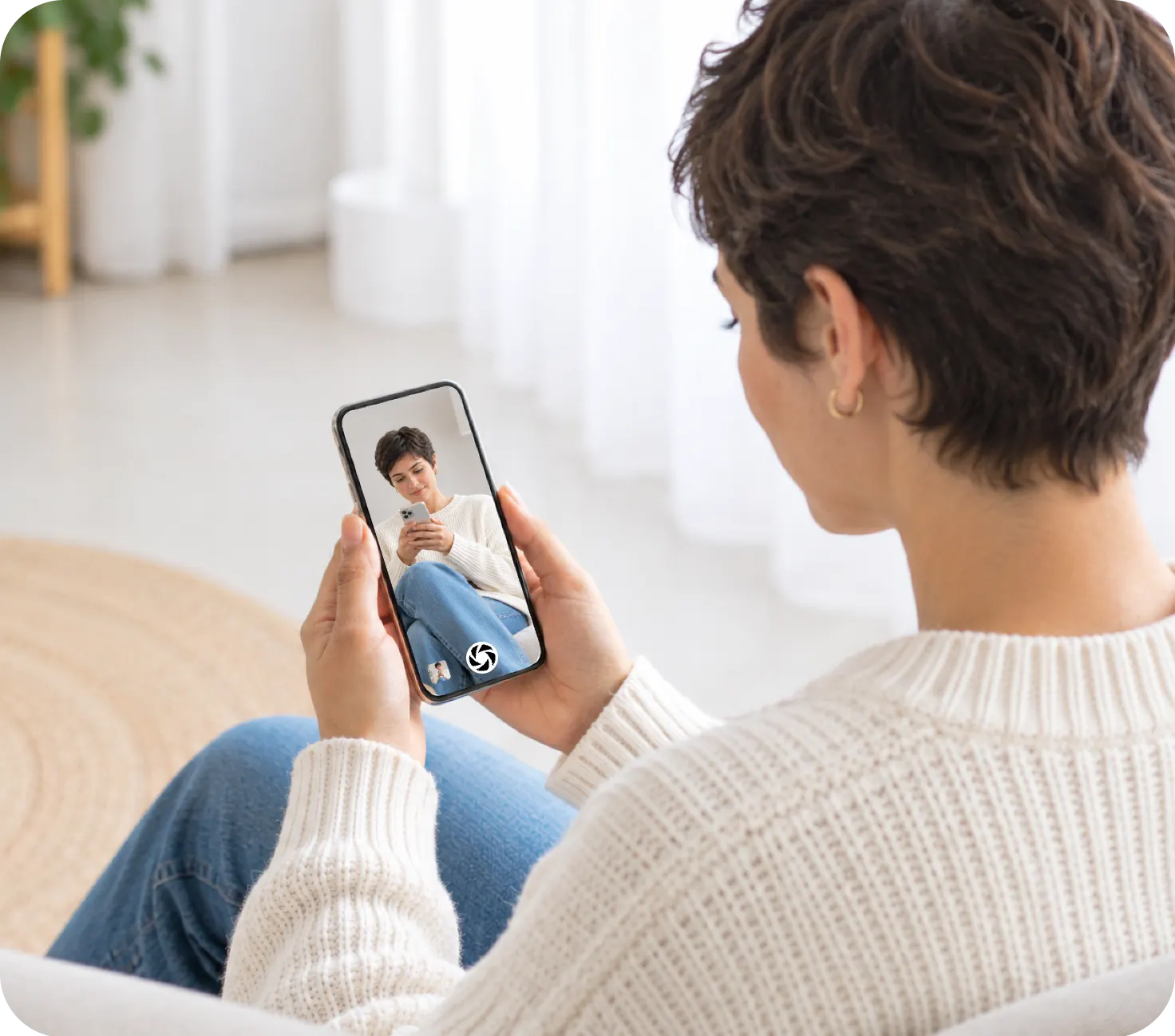
To use an iPhone as a viewfinder for another iPhone, you need an app on both phones, because iOS has no built-in way to show one iPhone's camera on another. Futari does it over the Wi-Fi both phones share: one phone films, and the other shows its live view and works as the shutter.
Can one iPhone show another iPhone's camera without an app?
No. When we searched Apple's support pages on 24 September 2026, no Apple feature showed one iPhone's viewfinder on another iPhone. The nearest Apple options go to other devices:
- Apple Watch Camera Remote is Apple's own remote viewfinder. Apple says you can "use your Apple Watch as a viewfinder for your iPhone camera", and the watch has to stay within about 33 feet, or 10 meters, of the iPhone. The picture is the size of a watch face.
- Continuity Camera uses an iPhone as a webcam for a Mac. It is useful for video calls and doesn't put the picture on a second iPhone.
So "use my iPhone as a viewfinder" means a third-party app on both phones. Futari is one of them.
How does Futari's live viewfinder work?
The camera phone, which Futari calls Shoot, encodes its back camera as an H.264 video stream and sends it straight to the viewfinder phone, called See, over the local network. The details, from the app's encoder:
- Resolution and frame rate. The camera session runs at 1920×1080, and the encoder expects 30 frames a second, so the live view is about 1080p30.
- Tuned for low delay. The encoder uses hardware H.264 with low-latency rate control and real-time mode, and turns frame reordering off, so no frame waits on a later one.
- Bitrate. An average of 6 Mbps at 1080p and 3 Mbps at 720p.
- Fast recovery. On first connect, on a reconnect and on a resolution change, the encoder sends a fresh keyframe, so the picture comes back without waiting for the next scheduled one.
The See phone can also drive the camera. It sends exactly three commands: take the photo or start and stop a recording, zoom, and set focus and exposure where you tap. Everything else stays on the Shoot phone.
The live view doesn't need the microphone permission; Futari asks for it only to record sound with videos. Both screens stay awake while Futari is open, because the app turns off auto-lock, so the viewfinder doesn't go dark mid-pose.
Why does the live view have black bars?
Futari shows the whole picture and never crops it. The camera captures a 9:16 portrait frame, and the See phone fits that frame to the width of the screen. The space the picture doesn't cover is black. The Shoot phone draws its own preview the same way, so both people see the same edges.
An earlier Futari build filled the screen instead. Measured on an iPhone 17 Pro, that hid about 5.3% of the picture off each side on the See phone and about 2.5% on the Shoot phone, so the photo held edges nobody had seen, and "move a bit left" meant something slightly different on each phone. The fix was to give up some screen and show the full frame on both.
The bars don't reach your photos. The saved photo or video is the full 9:16 frame, with nothing added. Tapping a bar does nothing; focus taps count only on the picture.
What happens when the Wi-Fi link gets weak?
Futari drops frames first, then resolution. When the link can't keep up, the Shoot phone throws a frame away instead of letting a backlog build up behind it. Each time that happens, or the send queue fills, counts as a sign of a weak link, and after 45 of them the Shoot phone switches its camera session to 720p. It stays at 720p until that session ends; the next session starts at 1080p30 again.
If the link goes quiet altogether, the pill at the top of both screens turns into a yellow "Waiting…" countdown after 5 seconds, and the See phone keeps the last frame it received. If nothing arrives for 15 seconds, the pair ends and each phone goes back to its home screen, where it tries to reconnect on its own.
What doesn't Futari's viewfinder do?
Futari is a narrow app on purpose. These are its limits:
- iPhone only, iOS 26 or later, portrait only. No iPad, no Mac, no Android, no landscape.
- Back camera only. The app removed flip-camera along with the timer, burst and filters.
- No flash control. Flash is fixed on Auto.
- Same Wi-Fi. The app's own help says to put both phones on one Wi-Fi network, and the Futari FAQ lists the rest of what a pair needs.
- One camera. A pair is one Shoot phone and one See phone.
Other apps do some of this better. Blackmagic Camera lets one controller run several iPhones at once, and an iPad can monitor them together; if you need a multi-camera shoot or pro video settings, pick it. Remote Shutter's listing offers a landscape live preview and remote 4K video settings. Futari is for two people framing one photo or video together, and doesn't try to be a video monitor.
How do you set up an iPhone as a viewfinder with Futari?
- Install Futari on both iPhones and join both to the same Wi-Fi network.
- Open Futari on both. Each phone searches for the other and lists it by a generated name.
- Tap the other phone's name. On the other phone, tap Accept.
- On the "Select a role" screen, tap See on the phone you want as the viewfinder. The other phone moves to Shoot automatically.
- Stand the Shoot phone where you want the camera. Frame, zoom and focus from the See phone, then press its shutter.
At least one of the two phones needs a Futari subscription, and it covers both phones for that session. Plans are on the Futari pricing section. Futari isn't on the App Store yet; the Futari home page has the latest.
Frequently asked questions
Can I use my iPhone as a viewfinder for another iPhone's camera?
Not with anything built into iOS. Apple's remote viewfinder for the iPhone camera is Camera Remote on Apple Watch, and Continuity Camera sends the iPhone camera to a Mac. Futari puts one iPhone's live back-camera view on a second iPhone, with both phones on the same Wi-Fi and both running iOS 26.
What quality is Futari's live viewfinder?
The Shoot phone encodes the live view as H.264 at about 1080p and 30 frames a second, at a 6 Mbps average bitrate. If the link stays congested it switches to 720p for the rest of that session, and the next session starts at 1080p again.
Why are there black bars around Futari's live view?
Futari fits the whole 9:16 picture on screen instead of filling the screen and cutting off the edges. The bars are empty screen, not part of the photo. Saved photos and videos are the full 9:16 frame with no bars.
Does the See phone need a subscription too?
No. At least one of the two phones needs a Futari subscription, and it covers both phones for that session. Plans are on the pricing section of coduo.co/futari.
Can I use Futari's viewfinder in landscape or with the front camera?
No. Futari is portrait only and films with the back camera only. It has no front camera, timer or flash control.